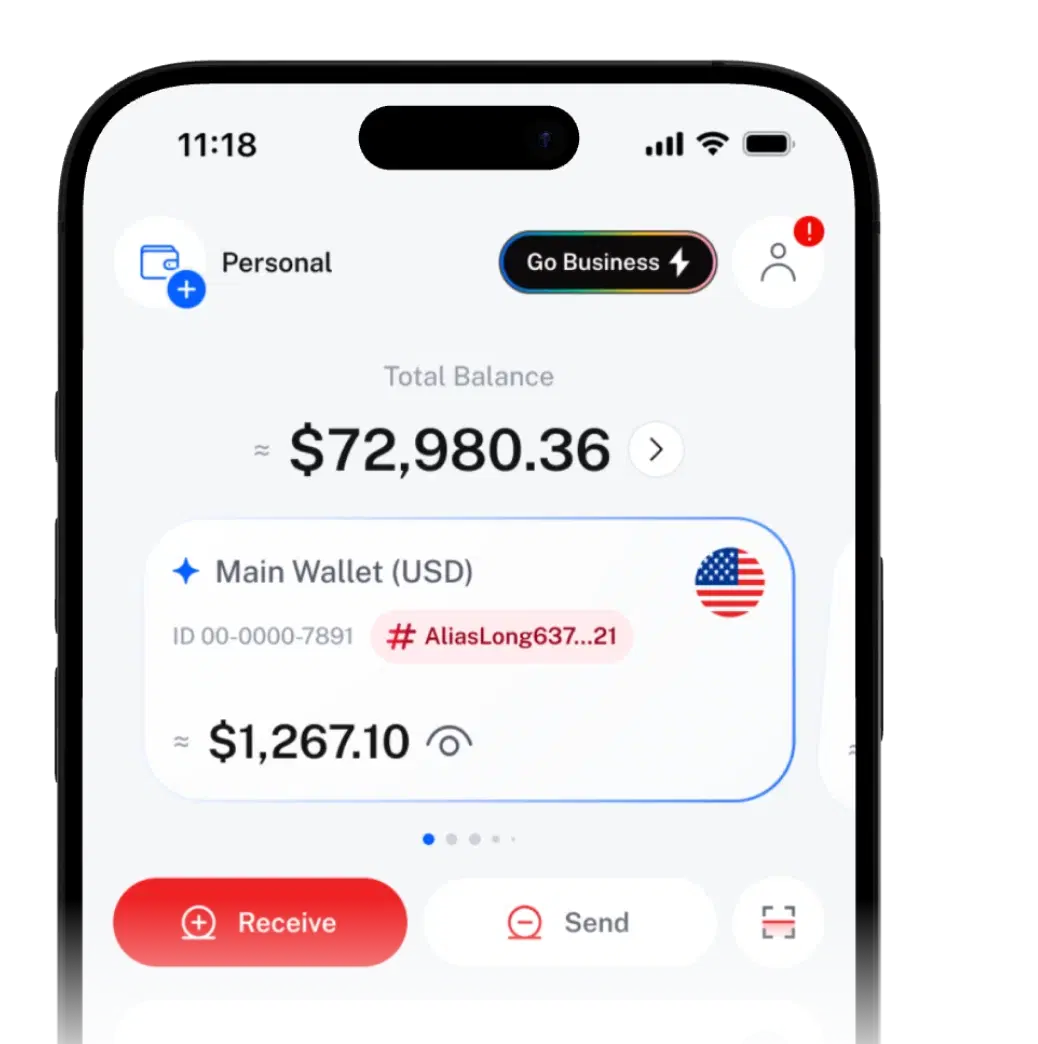
Shared Wallets SHARE ACCESS, KEEP CONTROL.

Let someone you trust spend a set amount of your crypto, like an allowance. Nothing more.
Nothing goes live until they accept and you activate it.
Sharing money shouldn't mean
sharing everything.
Cash, a card or your login gives too little flexibility or too much access, and it's hard to take back.
The old ways
- Handing over cash
- Sharing a password
- A transfer to remember every month
Shared Wallets give them their own access, your rules and a record.
Set up a Shared Wallet
in three steps.
Start from a Personal Wallet, or create one during setup.
- 01
Choose assets and limits
Pick assets from a Personal Wallet and set a limit for each.
- 02
Set the rules
Add a refill schedule, an expiry date or transfer approvals.
- 03
Invite one person
Find them by username and send an invite.
You set the rules.
They spend within them.
Here's what happens when Grace shares a weekly allowance with her brother Sam.
- You
Grace sets the rules
Assets and limit, a refill period and an expiry date, plus optional approvals.
50 USDTWeeklyExpires 31 Dec - Them
Sam accepts
It arrives in his SIQO app. He accepts; nothing is live yet.
Invitation accepted - You
Grace activates
She's notified and switches it on herself, an extra safety step.
Active - Them
Sam spends within the limit
The Shared Wallet appears on his home screen. He can send up to what's left.
32 of 50 USDT left - You
Needs approval
With approvals on, each transfer waits in Grace's Tasks until it's approved.
Tasks · 1 - Them
Limit refreshes
Next week, the limit resets to 50 USDT.
Back to 50 USDT
Both sides
See each policy's status and spending. Deactivate or reactivate it any time; approval requests wait in your Tasks.
It appears on their home screen with your rules and what's left. They can send, move to their own wallet or withdraw, within your limits.
Your wallet.
Your rules.
A limit per asset
Share USDT, USDC or other supported crypto, each with a fixed amount. Anything over is blocked.
Automatic refills
Resets daily, weekly, monthly or yearly, or never for a one-off amount.
Expiry date
Access switches off on the date you set, or runs until you deactivate it.
Transfer approvals
Each transfer waits for your yes. Add other approvers if you like.
One person per policy
One receiver per policy, so it's clear who spent what.
Made for the people
you trust.
Amounts are examples only.
Plans
and fees.
| Item | Free | Business |
|---|---|---|
| Shared Wallet policies | Your plan's allowance is shown in the app | Your plan's allowance is shown in the app |
| Setting up a policy | Any fee is shown before you confirm | Any fee is shown before you confirm |
Access with limits you set.
- Two keys: they accept, then you activate.
- Confirm with your passkey, or your PIN if you haven't set one up. Turn on 2FA for an extra step.
 SIQO is operated by Byte Digital AG, Switzerland.
Shared Wallet
questions
Can't find what you're looking for?
Our support team can help.
A policy on one of your Personal Wallets that lets one person spend a set amount of chosen assets, under your rules. It isn't a separate wallet.
Yes. You find them by username, and they accept the invitation in the SIQO app. You then activate it before they can use it.
Their Shared to Me screen shows the wallet's name, your username, the rules you set, and what's available and spent for each shared asset. They can only send within those limits.
Yes, with one policy per person. How many policies you can create depends on your plan, and your allowance is shown in the app.
Yes. Deactivate a policy whenever you like, and reactivate it later if you need to. It also stops by itself on its expiry date if you set one. To delete a policy, deactivate it first.
Yes. Turn on transfer approvals and every transfer waits for approval before it moves. You can also add other SIQO users as approvers.
Any supported crypto asset in the Personal Wallet, such as USDT or USDC, each with its own amount.
No. Shared Wallets can only be set up on a Personal Wallet.

 Download the app
Get SIQO
Share money, not your password.
Download SIQO and set the access, amount and rules for your first Shared Wallet.