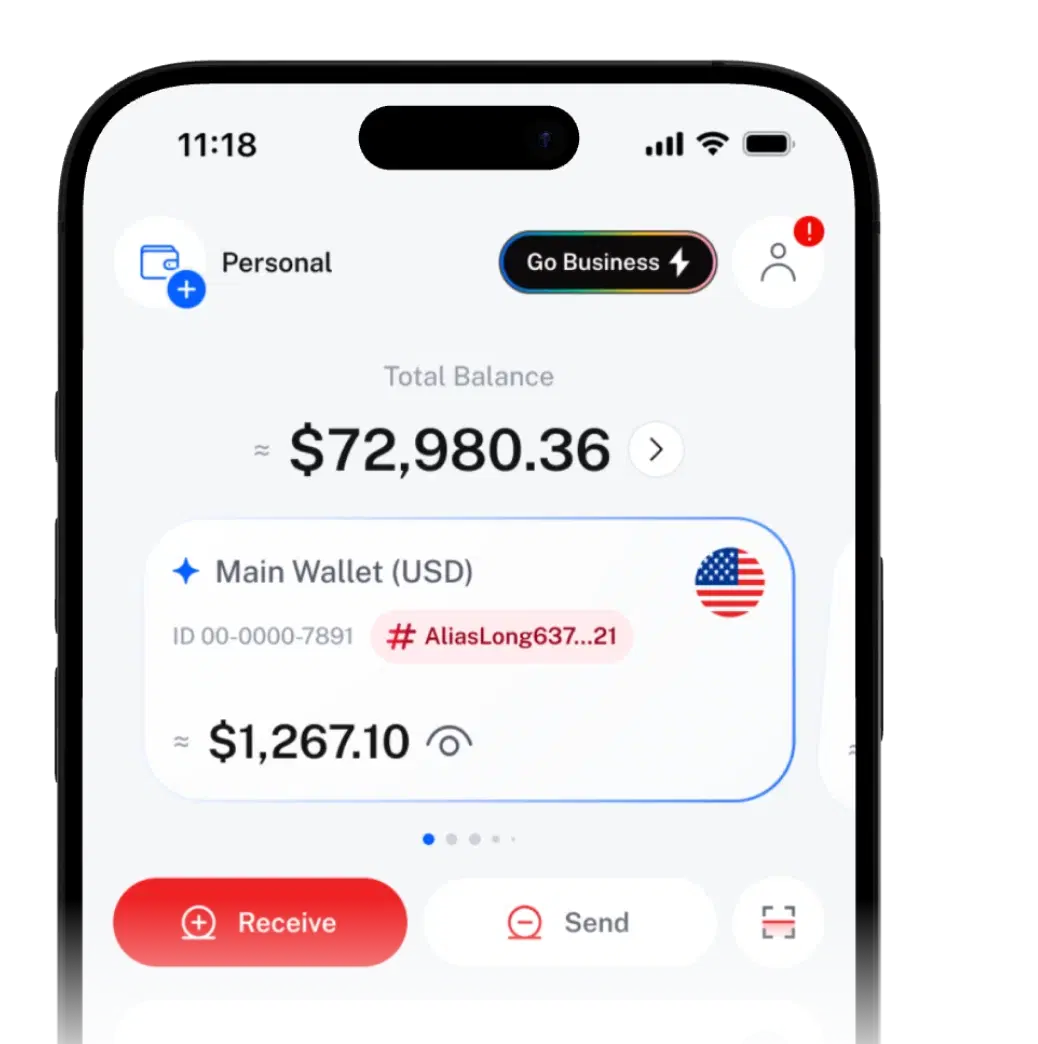
Smart Jar YOUR PAY, SORTED ON ARRIVAL.

Set a trigger and a reserve. When your balance reaches the trigger, Smart Jar keeps the reserve and splits the rest by percentage.
Runs from your Personal Wallets and only sends to wallets you own or co-own.
- #bills50%
- #lifestyle30%
- #savings20%
Budgets fail when they need
willpower
You mean to move money to savings on payday. Then you forget, or spend first. Smart Jar does it the moment your balance reaches your trigger.
Automate your balance
in three steps
After that it runs on its own, and you're notified after every split.
- 01
Set your trigger amount
Pick an asset and the balance that starts a split. The app calls it the Smart Jar Limit.
- 02
Keep a buffer
Your reserve stays put. Everything above it is shared out.
- 03
Split by percentage
Across your own wallets, or Joint Approval Wallets you co-own.
One payday.
Three wallets. Zero effort.
Paid in USDT and following the 50-30-20 idea: 50% needs, 30% wants, 20% savings.
Setup
- Wallet
- #salary
- Asset
- USDT
- Trigger amount
- 2,000 USDT
- Reserved amount
- 500 USDT
- Split
- #bills 50% · #lifestyle 30% · #savings 20%
#salary · USDT · Trigger 2,000 · Reserve 500#bills 50% · #lifestyle 30% · #savings 20%
#salaryBalance: 100 USDT
- #bills50%0 USDT
- #lifestyle30%0 USDT
- #savings20%0 USDT
Step 1 of 4 · Before
#salary holds 100 USDT. Below the trigger, so nothing happens.
Example for illustration only. Figures exclude fees.
Try it in the appYour rules, applied automatically.
Split by percentage
One wallet or several, in any mix that adds up to 100%. Includes Joint Approval Wallets you co-own.
A buffer that stays put
Your reserve stays behind after each split, so Smart Jar never empties the wallet.
One per asset
Run separate Smart Jars for different assets in one wallet, e.g. USDT and BTC, each with its own rules.
Change it anytime
Edit the trigger, reserve or split, or delete the Smart Jar whenever you like.
One feature.
Lots of good habits.
Automate more
as you grow
| Item | Free | Free + Recharge | Business |
|---|---|---|---|
| Smart Jar auto-transfers | Your plan's allowance is shown in the app | Recharge adds more for the Recharge period, shown in the app | Unlimited on Business |
| Fee per run | All plans: any fee is shown in the app when you set it up | ||
| Smart Jars | All plans: one per asset per wallet | ||
Automatic, but only to your wallets
- Smart Jar only sends to wallets you own or co-own, never to anyone else.
- Every run is logged and notified, and you can switch it off any time.
- Setting up Smart Jar is confirmed with your passkey, or your PIN if you haven't set one up.
 SIQO is operated by Byte Digital AG, Switzerland.
Smart Jar
questions
Can't find what you're looking for?
Our support team can help.
Smart Jar is an automatic budgeting tool in SIQO. When a wallet's balance reaches your trigger amount, it keeps your reserved amount in the wallet and splits the rest across your other wallets by percentage.
It runs when new money arrives and pushes the balance to or past your trigger amount. It runs once each time that happens, not over and over on the same balance.
Split amount = current balance minus reserved amount. For example, with a balance of 2,600 USDT and a 500 USDT reserve, 2,100 USDT is split across your chosen wallets.
No. Smart Jar only sends to your own Personal Wallets or to Joint Approval Wallets you co-own.
Yes, one per asset in each Personal Wallet. For example, a wallet can have one Smart Jar for USDT and another for BTC.
Any Smart Jar fee is shown in the app when you set it up. Your allowance is shown there too: Recharge adds more for the Recharge period, while Business includes unlimited Smart Jar auto-transfers.
If you delete the source wallet or any destination wallet, that Smart Jar is removed automatically, so it never sends money to a wallet that no longer exists.
Smart Jar runs from Personal Wallets only. It can send the extra to your other Personal Wallets or to Joint Approval Wallets you co-own.

 Download the app
Get SIQO
Your budget, on autopilot.
Download SIQO and set up your first Smart Jar in a few taps.