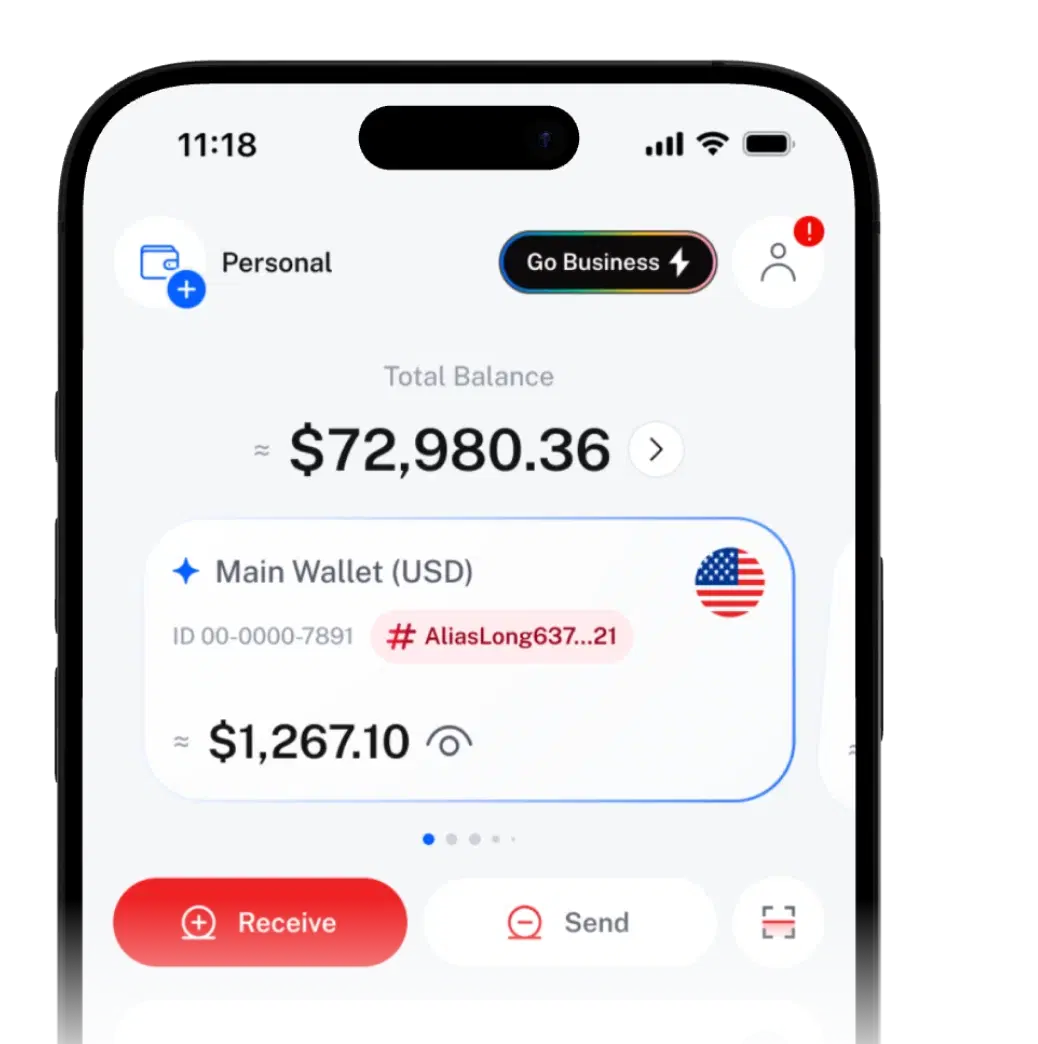
Security EVERY MOVE CONFIRMED BY YOU.
Confirm every transfer with your passkey, or your PIN if no passkey is set. Add optional 2FA and log out of any device in one tap.
SIQO staff will never ask for your PIN, passwords or 2FA codes.

Send 200 USDT
Four layers
around your money.
Pick a layer to see what's inside.
Layer 1 of 4 · What's inside
- PIN
- Biometrics
- Passkeys
- 2FA
- Device control
Helps stop: Someone who knows your password but doesn't have your phone, PIN or codes.
See how it worksLayer 2 of 4 · What's inside
- Passkey first
- PIN
- 2FA code
- Cool-down after wrong tries
Helps stop: Money leaving, or settings changing, without your say-so.
See how it worksLayer 3 of 4 · What's inside
- Joint approvals
- Shared Wallet limits
- Expiry dates
- Soft Lock reviews
Helps stop: One person moving shared money alone, or a claim link paying the wrong person.
See how it worksLayer 4 of 4 · What's inside
- Swiss operator
- Audit trail
- Transaction monitoring
Helps stop: Unusual activity going unnoticed, and disputes without a record.
See how it worksLayer 1 of 4 · Account
Only you
get in.
Four ways to prove it's you.
A PIN on every account
Every account has a 6-digit PIN. Easy codes like 123456 aren't allowed.
Biometrics
Unlock SIQO with your face or fingerprint, with your PIN as backup.
Passkeys
Sign in and confirm transfers with your face, fingerprint or screen lock. Needs 2FA on first.
Two-factor codes (2FA)
Optional. A 6-digit code from an authenticator app, asked at sign-in and before sensitive actions.
Guessing doesn't pay.
Tries before lock
After 5 wrong login attempts, Support checks it's you before unlocking.
Cool-down on checks
Too many wrong PIN or 2FA codes pause checks for 1 minute.
See every login. End any of them.
See everywhere you're signed in, in Settings › Devices. Log out any session you don't recognise.
Every active session
Device, IP address and last login, with this phone marked.
One-tap logout
End any other session straight away.
Log out from all devices
Sign out everywhere at once.
Security alerts
Get notified about logins, transactions and important security changes.
Layer 2 of 4 · Transaction
The bigger the action,
the stronger the check.
Viewing your balance is quick. Moving money or changing your security always needs a check.
What SIQO asks for, by action
- What you're doing: Viewing balances and history
- How you confirm: Just being signed in
- What you're doing: Sending, paying or withdrawing, and approving or rejecting a Joint Approval request
- How you confirm: Your passkey, or your PIN or a 2FA code
- What you're doing: Creating or deleting a Joint Approval Wallet, or setting up a Smart Jar
- How you confirm: Your passkey, or your PIN or a 2FA code
- What you're doing: Changing your account details
- How you confirm: Your passkey, or your PIN or a 2FA code
- What you're doing: Turning 2FA on or off
- How you confirm: A 2FA code
- What you're doing: Turning your passkey on or off
- How you confirm: Your passkey
- What you're doing: Closing your account
- How you confirm: Your PIN or a 2FA code, plus a final confirmation
Layer 3 of 4 · Shared control
Money only moves
the way you allow.
Rules that stop shared money moving without the right say-so.
2 of 3 approved
- Mia K.Approved
- Jon T.Approved
- Rae S.Pending
Joint Approval Wallet
Transfers move only when enough co-owners approve, each with their own check.
Learn moreShared Wallet rules
Give someone a set amount, with per-asset limits, an expiry date and optional approvals.
Learn moreLayer 4 of 4 · Company
Swiss company. Serious about security.

SIQO is operated by Byte Digital AG, a Swiss fintech company.
About SIQOFull audit trail
Every transfer is recorded, including anonymous ones, so disputes can be checked.
Transaction monitoring
Transactions are monitored for unusual activity.
Verify once.
Unlock more, recover faster.
Identity verification (KYC) runs in the app through Sumsub. Start without it; verifying raises your limits and speeds up account recovery.
No verification
- You provide
- Nothing yet
- Unlocks
- Start straight away. Selling crypto needs Level 1.
Level 1: Basic
- You provide
- Email, phone number and national ID
- Unlocks
- All core features, standard transaction and balance limits, and account recovery support.
Level 2: Enhanced
- You provide
- Level 1 plus proof of address
- Unlocks
- Higher transaction and wallet limits, and access to more advanced features.
Limits depend on your level and country. The app shows them.
Five minutes to a
safer account.
Your PIN is always on. Add 2FA and a passkey to reach High, then work down the list.
Security Level
1 of 3 filled
Tick 2FA and passkey to see the meter fill.
Found a security issue? Tell us.
Report it privately under our Vulnerability Policy, and don't share details until it's fixed.
Or email legal@byte-digital.com
Security questions,
answered.
Quick answers about keeping your account safe. Can't find what you need? Contact SIQO Support.
Can't find what you're looking for?
Our support team can help.
Your PIN is the 6-digit code every account has. A passkey uses your phone's face, fingerprint or screen lock, and is asked first once set up. 2FA adds a code from an authenticator app when you switch it on.
Any standard authenticator app that can scan a QR code.
Each phone holds one SIQO account's passkey at a time. If someone sets up a passkey for their SIQO account on the same phone, yours is removed. Log in as usual, then set up a new one.
Contact SIQO Support through the Help Center as soon as you can. If you can still sign in on another device, go to Settings › Devices and choose Log out from all devices.
Reset it in the app with a one-time verification code. If you're locked out, verified users can be helped back in faster, because we have a trusted way to confirm it's you.
Not to get started. Some features, like selling crypto, need Level 1 verification through Sumsub. Level 1 also raises your limits and makes you eligible for account recovery support.

 Download the app
Get SIQO
Security that stays out of your way.
Download SIQO and set up your PIN, passkey and 2FA in minutes.